Switching to Wrenchie
Bring your shop over without starting from scratch.
Switching to Wrenchie takes a CSV export from your current system and a short setup session with our team. Use our import template, or send your file as-is and we'll map it for you.
How switching works
- 1
Export from your current system
Most shop systems export customers and vehicles as a CSV file. We can help you find it.
- 2
Use our template, or send us your file
Fill in the Wrenchie CSV template, or send your export as-is and we'll match the columns for you.
- 3
We set up your shop with you
Labor rates, taxes, canned services, inspection templates, and your team, set up together.
- 4
Go live with confidence
Your team learns the five everyday tasks, and we stay a phone call away.
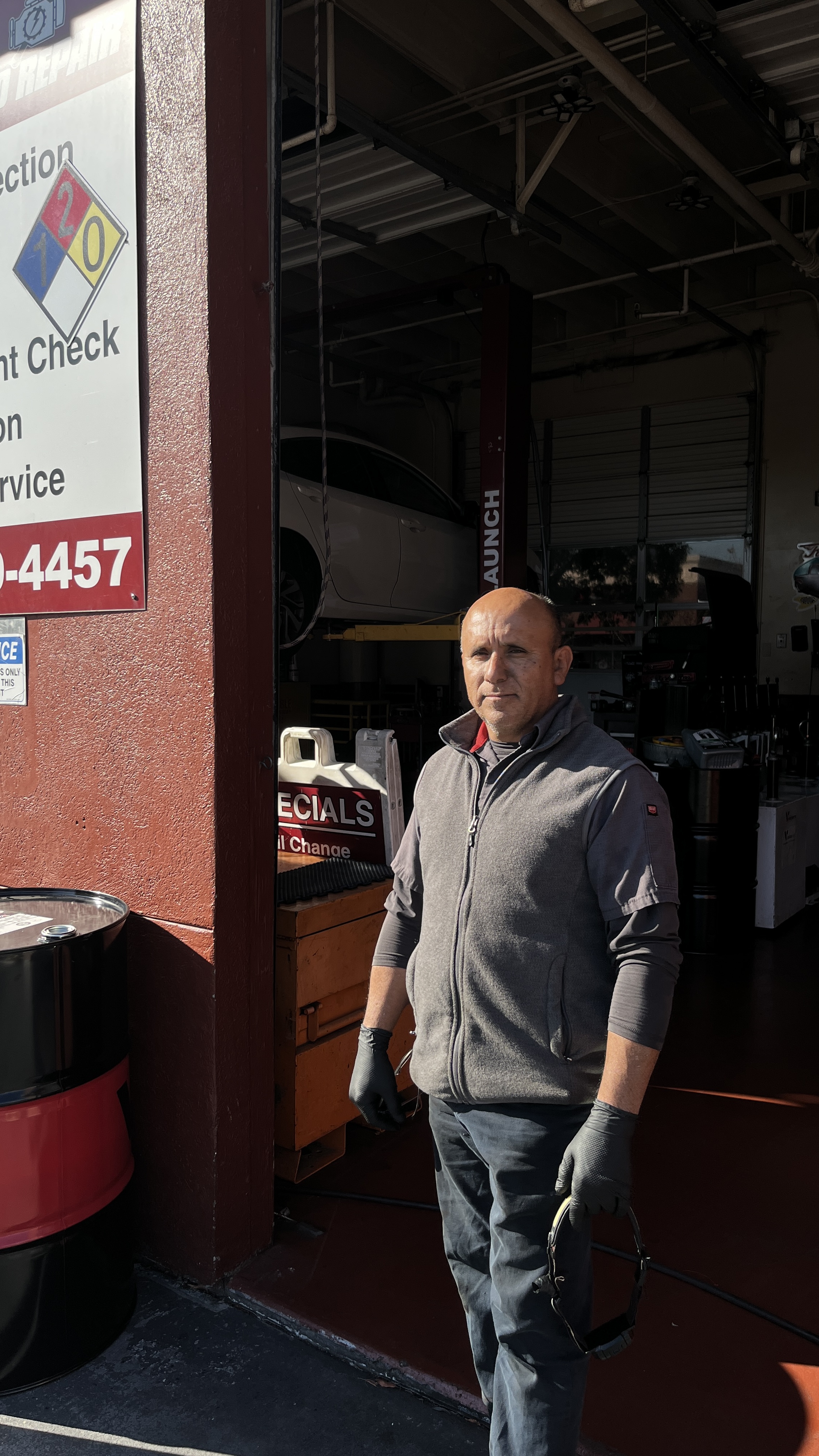
From a Wrenchie shop
“Switching to a new shop system can be discouraging, but Wrenchie made it super easy for us. It keeps everything in one place and keeps our team accountable.”
 Jonathan & Francisco HernandezOwners & Master Techs, JJ Auto Repair · Fairfield, CA
Switching questions
What data can I bring to Wrenchie?
Customers and vehicles, including names, phone numbers, emails, VINs, and plates. Ask us about anything else you need brought over.
What if my export doesn't match the template?
Send it anyway. We'll map your columns to Wrenchie's format with you.
How long does switching take?
With a clean export, most shops are up and running within a few days.
Does switching cost extra?
No. Onboarding and data import are included.
Ready to make the switch?
Founding Shop pricing is open to our first 15 shops: $329.99 per month per location, every feature included.