Work orders
Every repair order, on one board.
Wrenchie work orders follow a vehicle from check-in to paid invoice, with the customer, vehicle, inspection, estimate, and payment attached to the same order. Service writers and technicians see the same status, so nobody has to walk to the bay to ask.
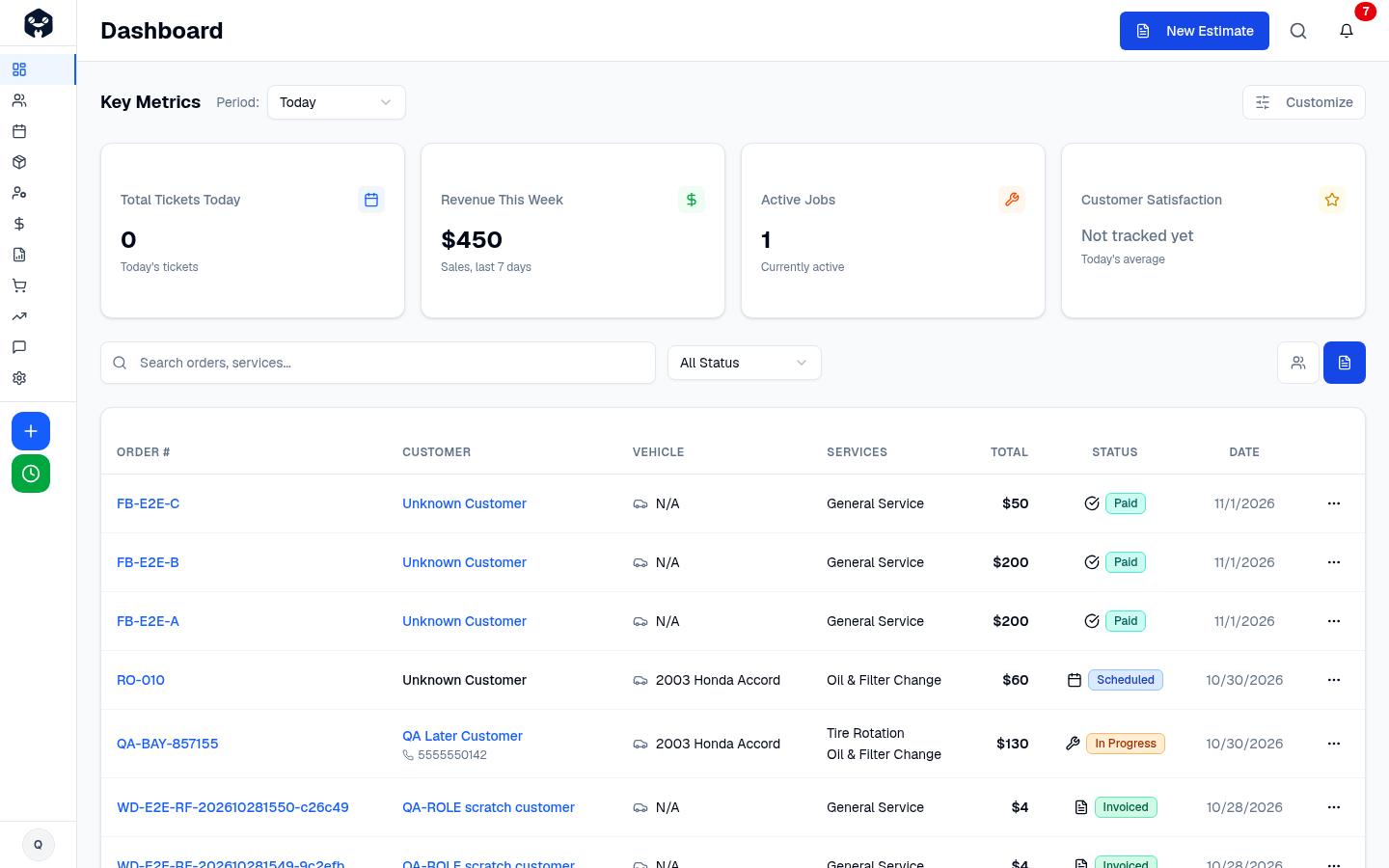
What you get with work orders
- Check in by VIN or plateDecode the VIN to fill year, make, model, and engine, then attach the customer in a few taps.
- Clear status at a glanceOrders move through simple stages, so the whole shop knows what is waiting, in progress, or ready.
- Assign the right technicianAssign jobs to technicians and see who is working on what, including clocked labor time.
- Everything attachedInspections, photos, estimates, approvals, notes, and payments live on the order instead of in five places.
- Canned servicesSave your common jobs with parts and labor so oil changes and brake jobs take seconds to add.
- Full vehicle historyPull up past visits, declined work, and inspection results for any returning vehicle.
Work orders questions
Can technicians update work orders from the bay?
Yes. Technicians use the technician view on a tablet or phone to see assigned jobs, record findings, and clock time.
Does Wrenchie decode VINs?
Yes. Enter or scan a VIN and Wrenchie fills in the vehicle details automatically.
Can I reuse common jobs?
Yes. Canned services store parts and labor for jobs you do often, and you add them to any order in one step.
See how simple shop software can be.
Founding Shop pricing is open to our first 15 shops: $329.99 per month per location, every feature included.